
ISOlab
Windows-based suite for simulating and analyzing ISOBUS server and client functionality on CAN – also usable as a GUI-based CAN server, connecting both ISOlab plugins and external clients/servers. Built for development and test teams looking to reduce hardware dependencies and speed up test cycles.

ISOBUS Simulation and Analysis for Faster Development
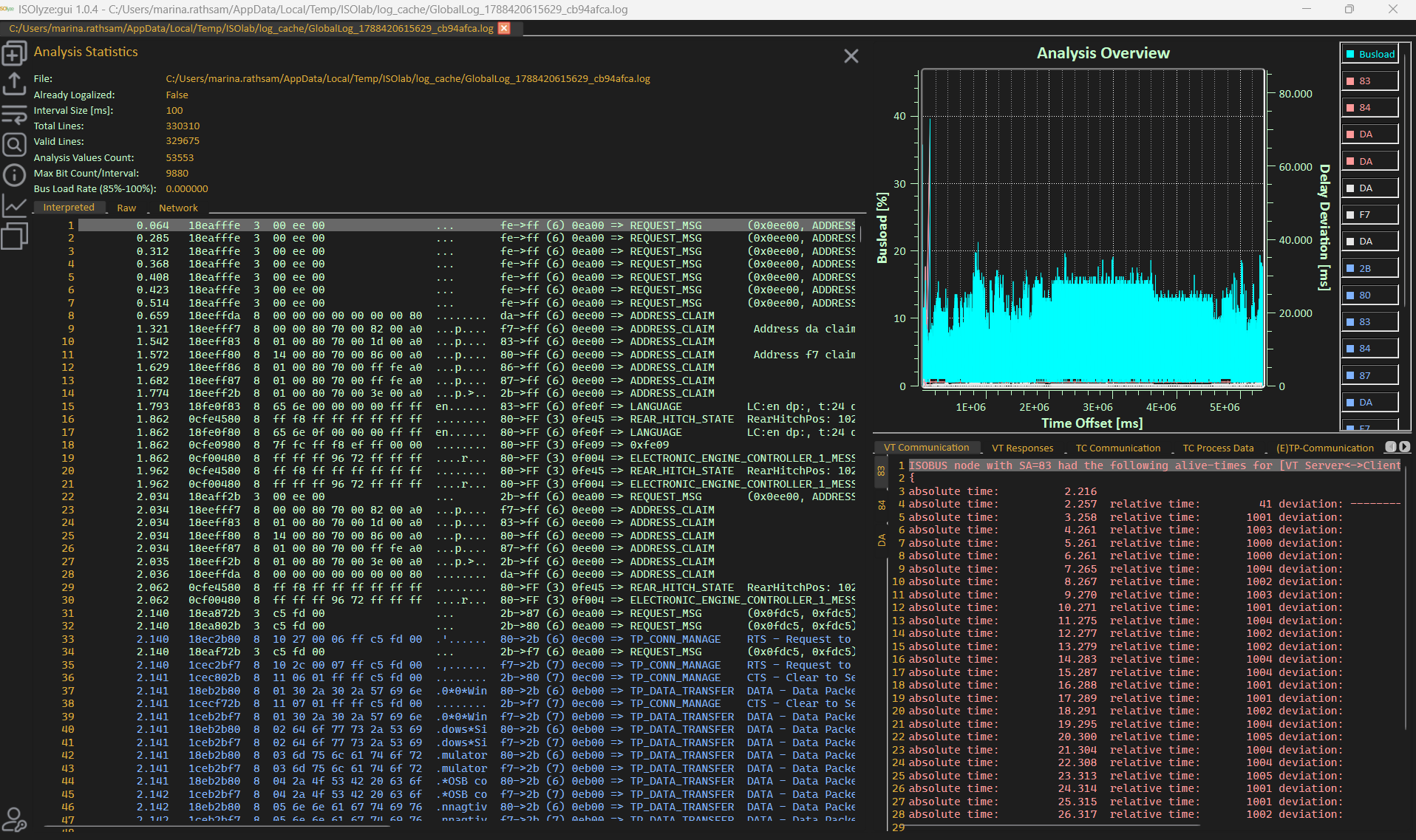
ISOlab fully replicates ISOBUS servers and clients according to ISO 11783 in a virtual environment – built on the proven ISOcores server-side library and the ISOAgLib client-side library. Your team can analyze communication flows, simulate terminals and controllers, and test applications without relying on physical hardware. The result: shorter development cycles and faster readiness for certification.
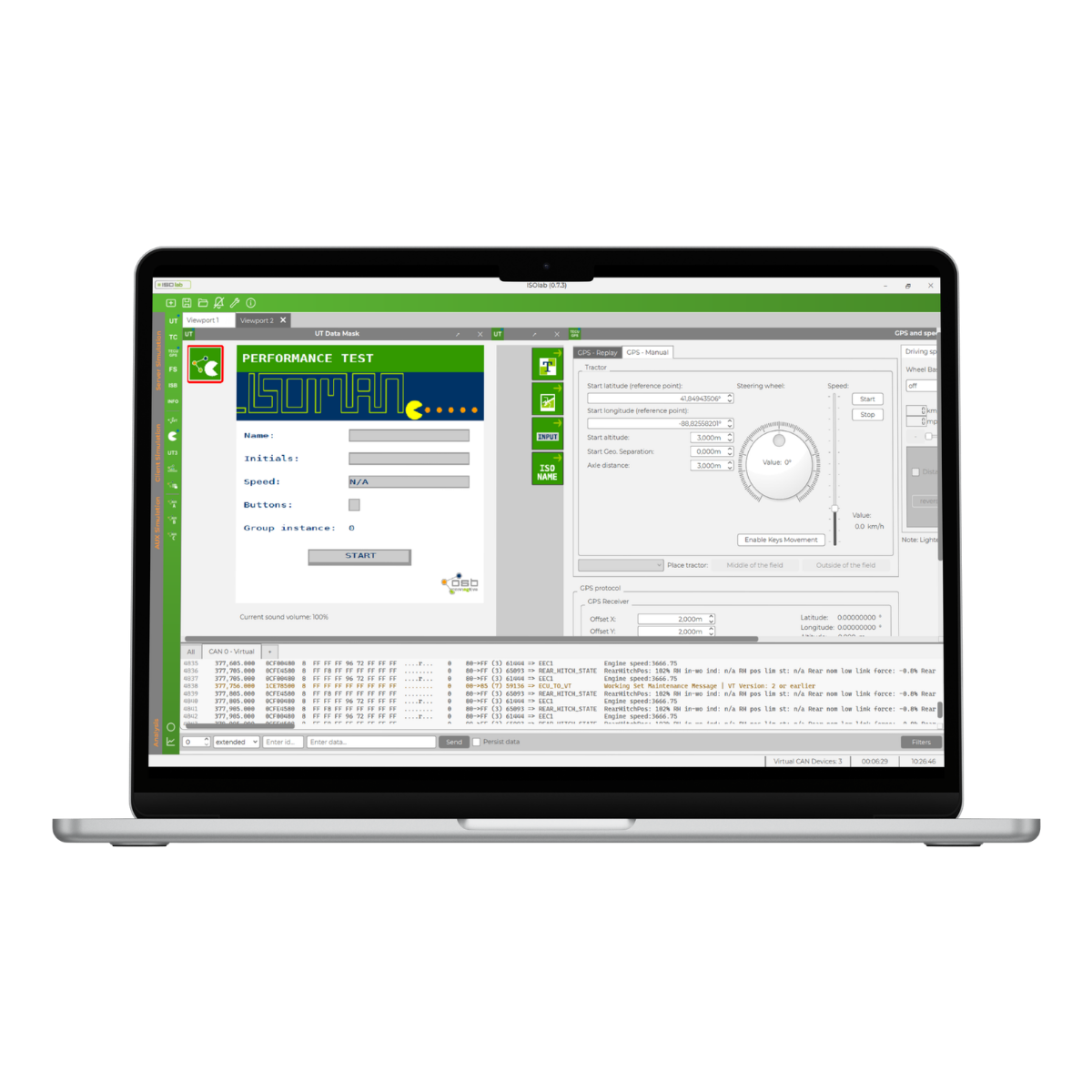
Key-Benefits of the ISOlab
A complete ISOBUS test lab – scalable to your needs
The Full Extension combines all server, client, and analysis functions in a single solution – delivering a complete ISOBUS test lab right on your PC. If you don't need the full scope, individually tailored.
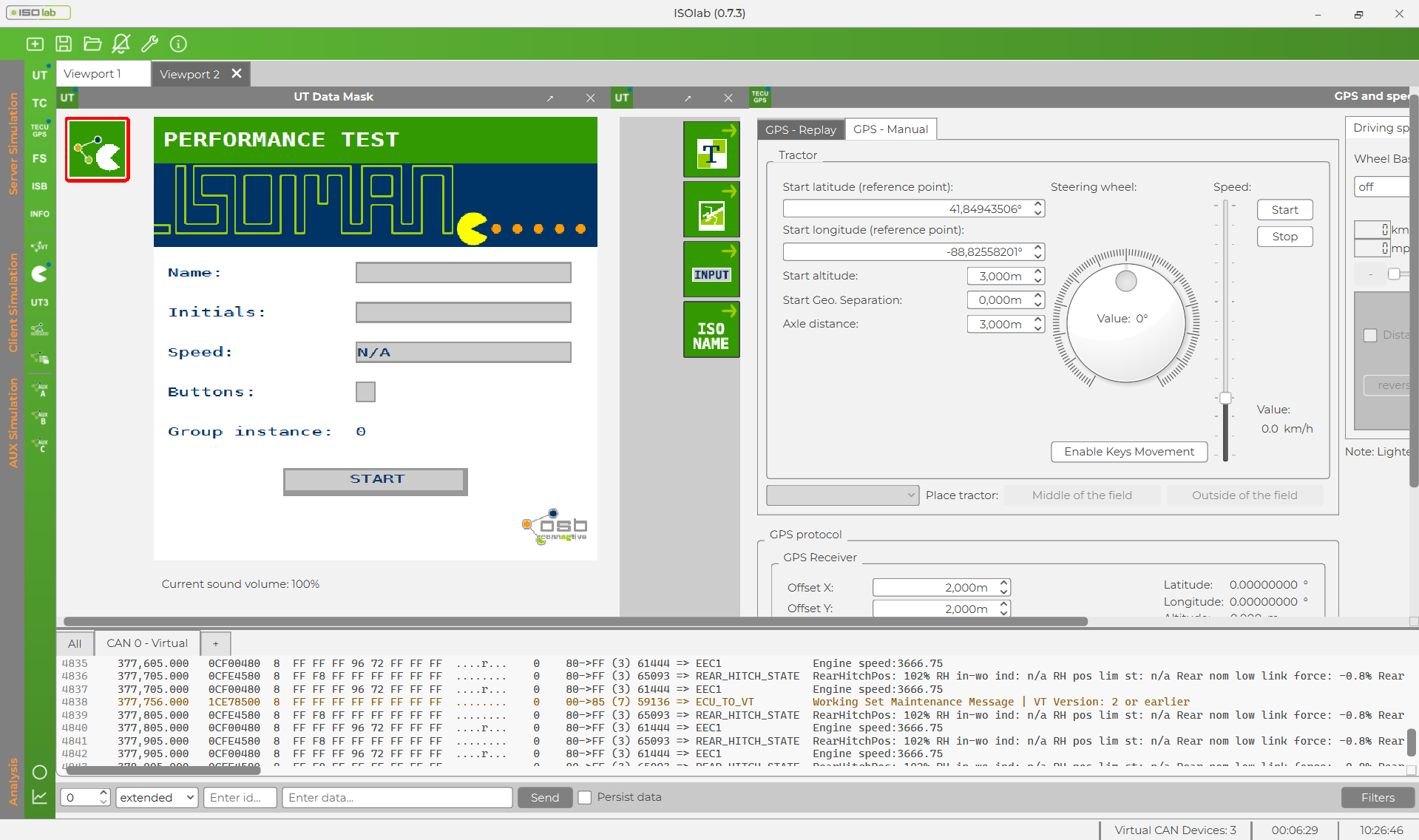
Modern user interface for intuitive operation
A completely redesigned user interface delivers a modern look and clearly structured workflows. Functions are logically arranged and quickly accessible – enabling an intuitive learning curve and efficient day-to-day testing.
Saved viewports for instant continuity
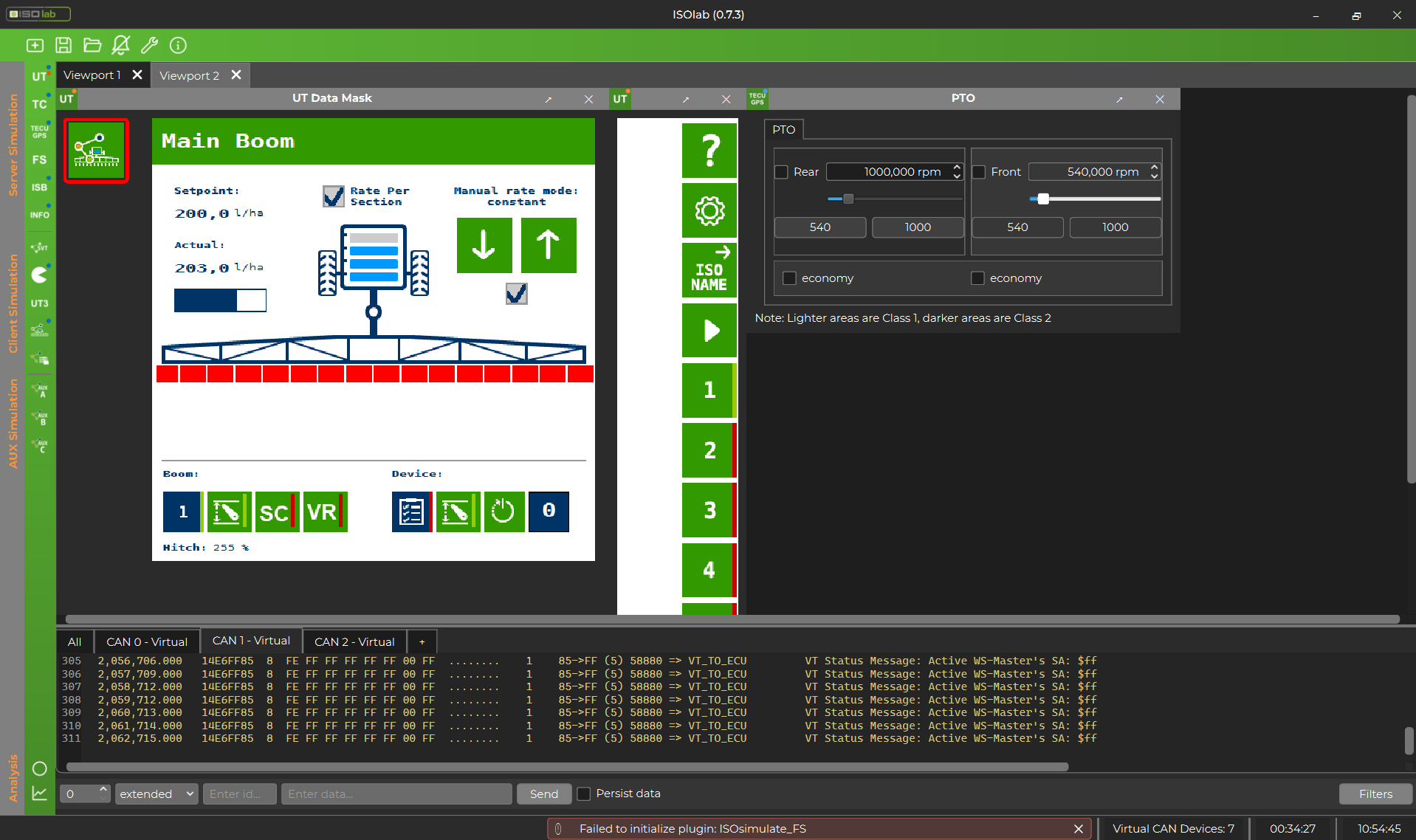
Individually configured viewports can be saved and recalled at any time. This means your personal workspace setup is instantly ready to go the next time you launch the application – no reconfiguration needed.
Multi-instance capability for complex networks
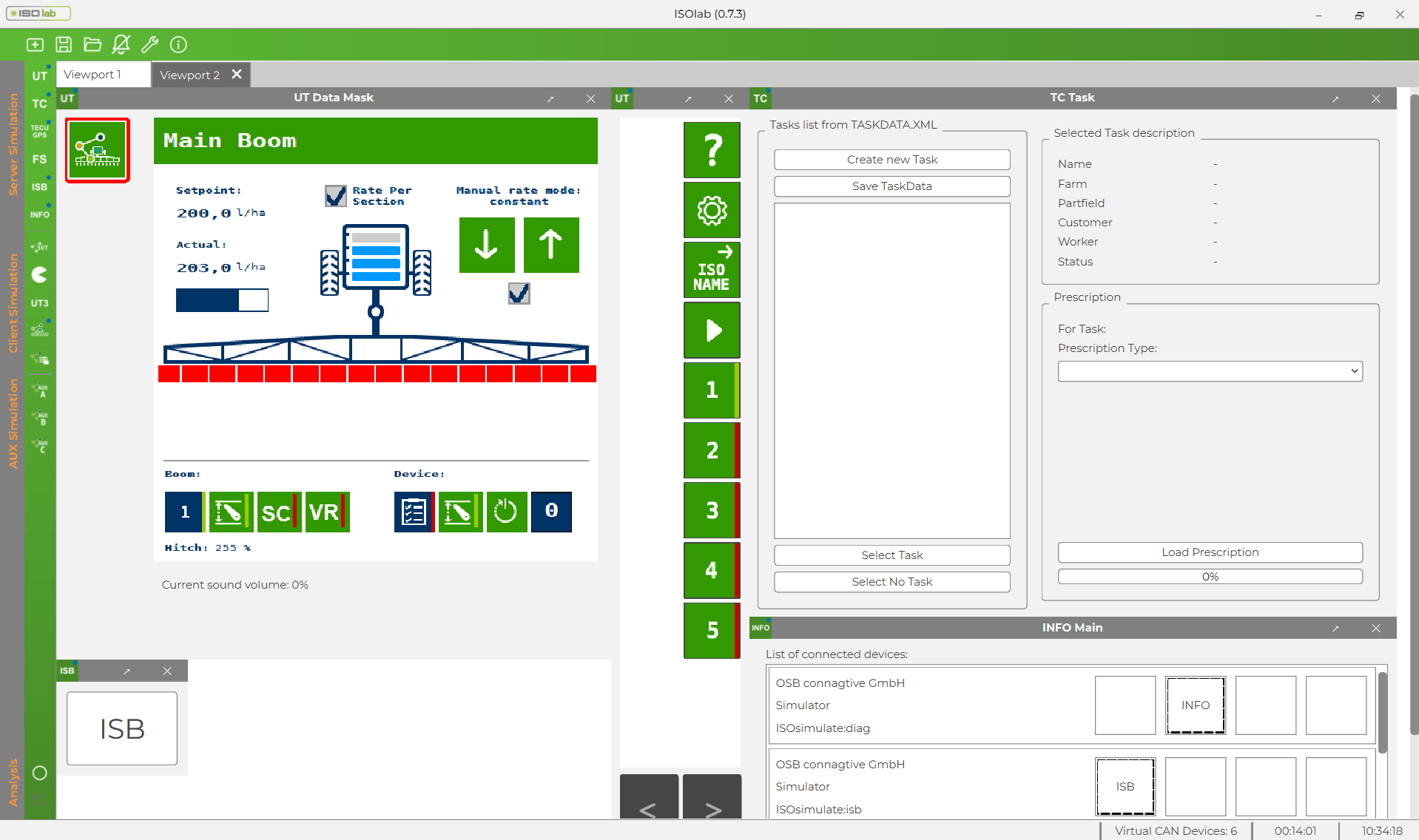
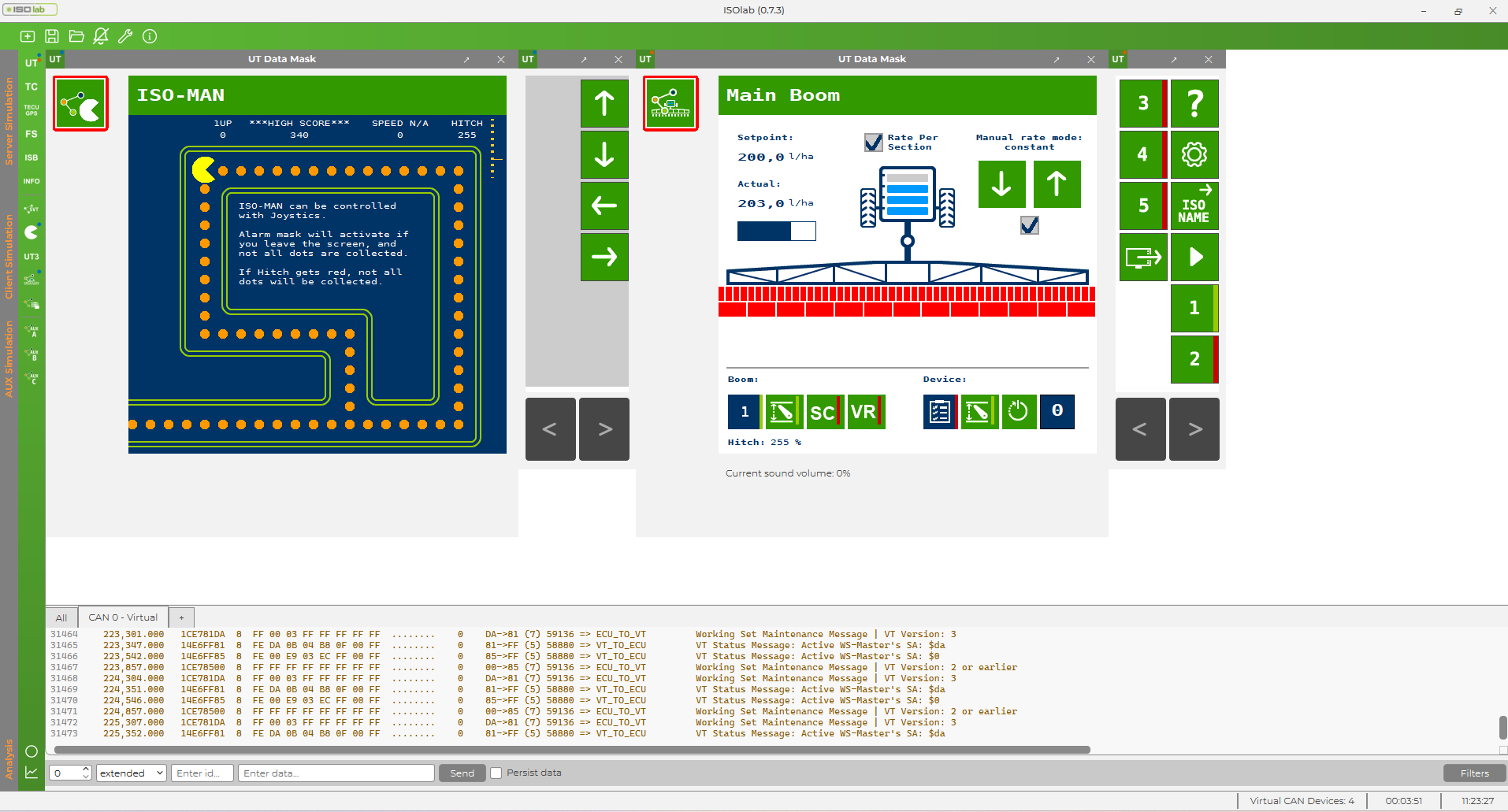
Multiple simulators – clients and servers – can run simultaneously, each with its own individual settings. This makes it possible to build realistic multi-server environments, such as a Primary VT with several Secondary VTs, a TC paired with a Data Logger, or multiple ISBs running in parallel.
Standards Compliance
ISOlab is fully implemented in accordance with ISO 11783 and is additionally verified using the AEF Conformance Test. This ensures all simulations behave reliably according to official CT test procedures – a solid foundation for development and testing.
Functions of ISOlab
CAN Server
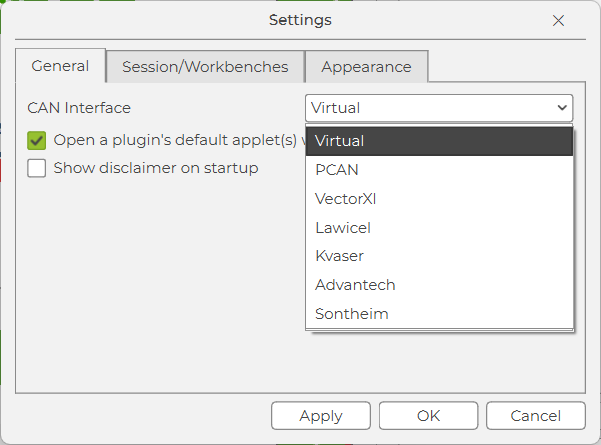
Launching the application automatically initializes a virtual CAN server. Your team can flexibly choose between virtual bus, PCAN, Sontheim, Vector XL, Lawicel, Kvaser, or Advantech – with no manual pre-configuration required.
Support and Maintenance
All included services can be used throughout the development phase and during the production phase as long as the license and maintenance agreement is in place.
Get in touch for more information or try ISOlab now.
Get in touch


